1) Setting
Program version 2.3.3 as of July 4, 2022
2) Method
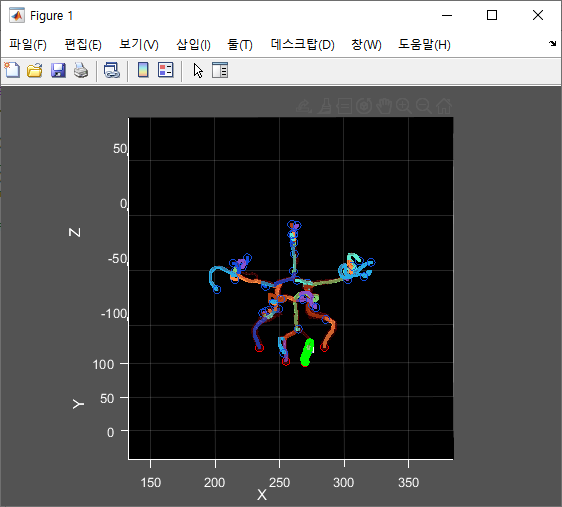
① Execute the mat file of the vessel to be visualized as a matlab. In this case, the mat file is a mat file generated when feature extraction is performed.
② When a picture appears as shown in the picture above, the current vessel is displayed through the direction key.
③ The top and bottom keys are the size of the vessel number, and the left and right keys are the movement of the vessel number.