1) Setting
Program version 2.3.6 as of January 4, 2023
2) Method
① The program recognizes all nifti files. Only the 'vessmask nii' file is collected in the folder so that only the vessel mask nifti file can be recognized without recognizing the gray scale nifti file.
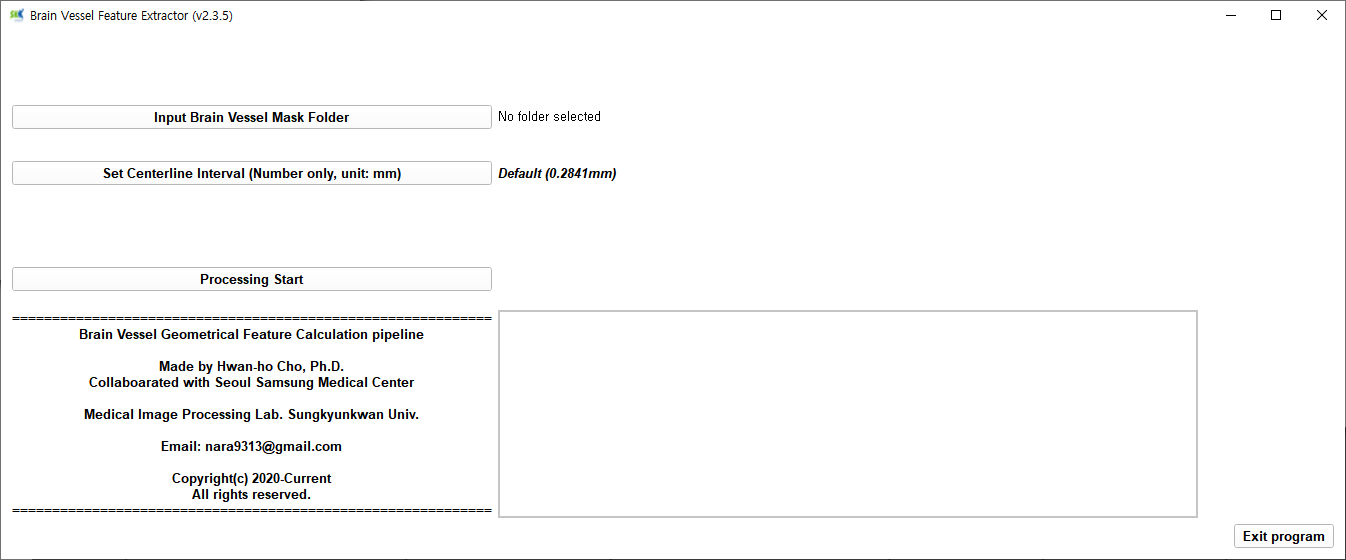
② Click the 'Input Brain Vessel Mask Folder' button to click the folder where only the 'vessmask nii' files are collected. At this time, if there is Korean in the directory, the program will not work.
③ Leave the Set Centerline Interval button in the default state.
④ When you click the Processing start button, the status message window shows the progress.
⑤ When the vessel feature is extracted, the status window displays the message complete.
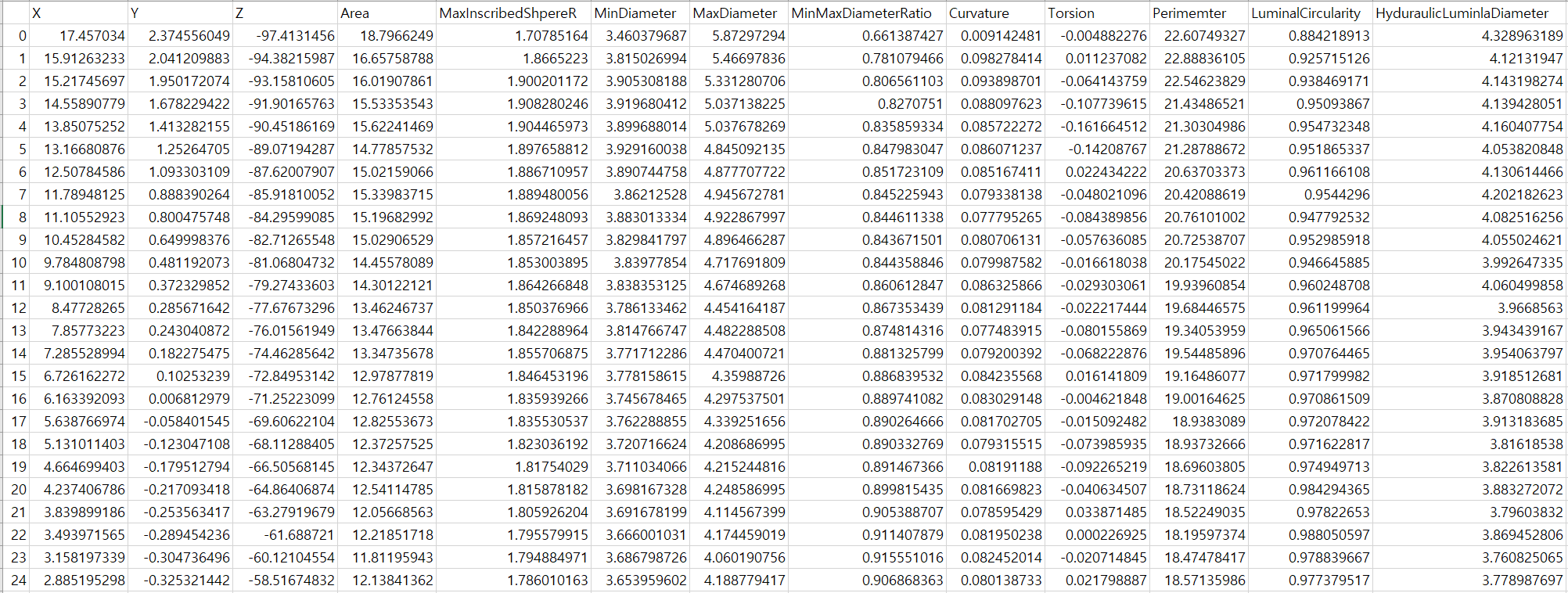
⑥ The result file includes one mat file, one bifurcation Excel file, and one FinalCenterlines Excel file. The FinalCenterlines file is a file with Vessel feature information that we use well.
3) Result
The feature information for each point is as follows, and one point is one row.