1) Setting
Program version 40 as of November 16, 2021
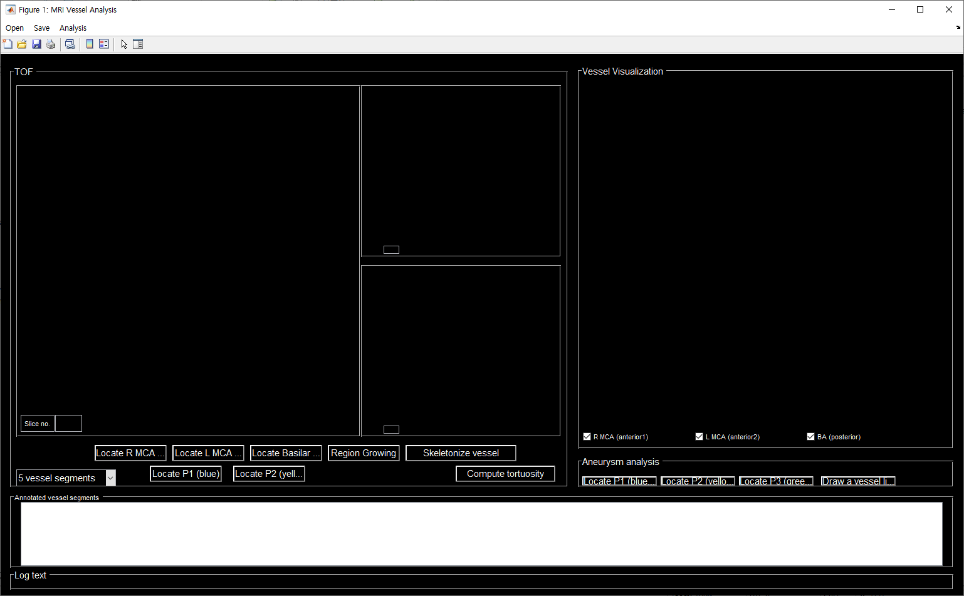
2) Method
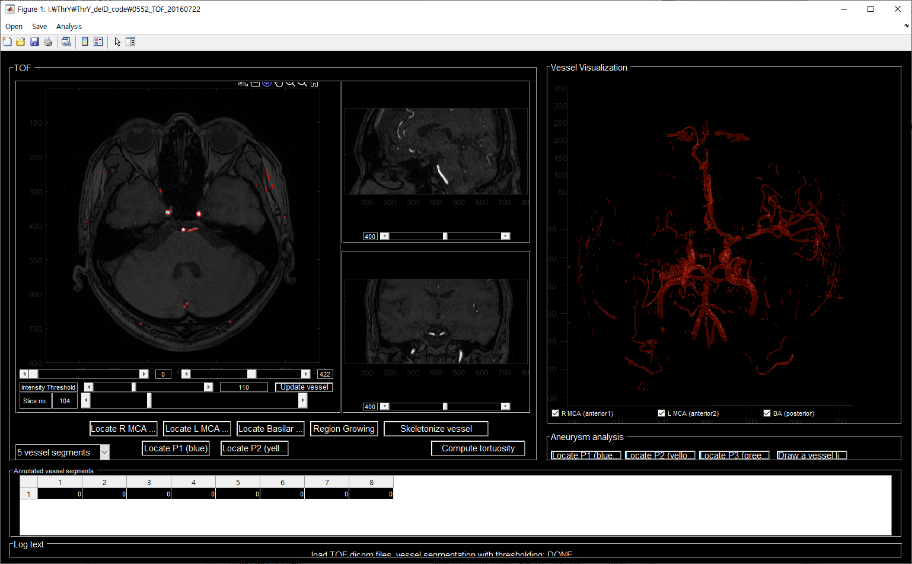
① Click open in the menu to select the TOF image to extract the vessel.
② When shown in the above picture, modify the threshold value appropriately and click the 'update vessel' button.
③ Move the slip bar so that you can see the Rt.ICA/MCA, BA, and Lt.ICA/MCA.
④ Click the 'Locate R MCA' button and click in the vessel of Rt.MCA/ICA.
⑤ Click the 'Locate L MCA' button and click in the vessel of Lt.MCA/ICA.
⑥ Click the 'Locate Basilar' button and click in the vessel in BA.
⑦ Click the 'Region Growing' button, and if only the vessel changes to a picture in the right vessel picture, click the first in the menu save to save it.