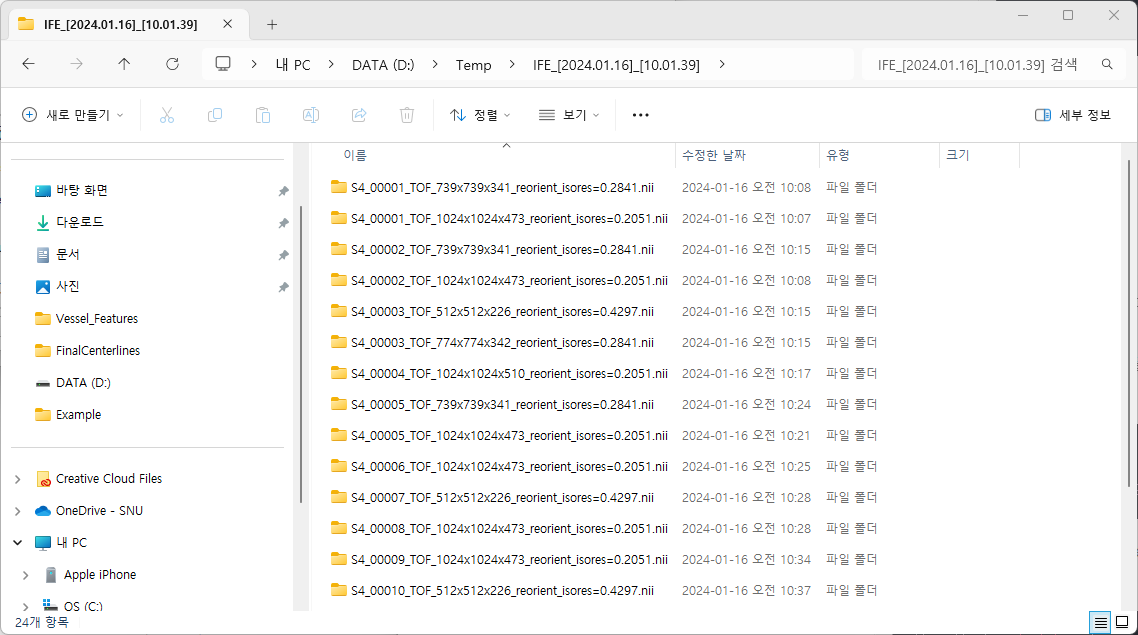
1) Setting
Program version 1.0.4 as of January 10, 2024
2) Method
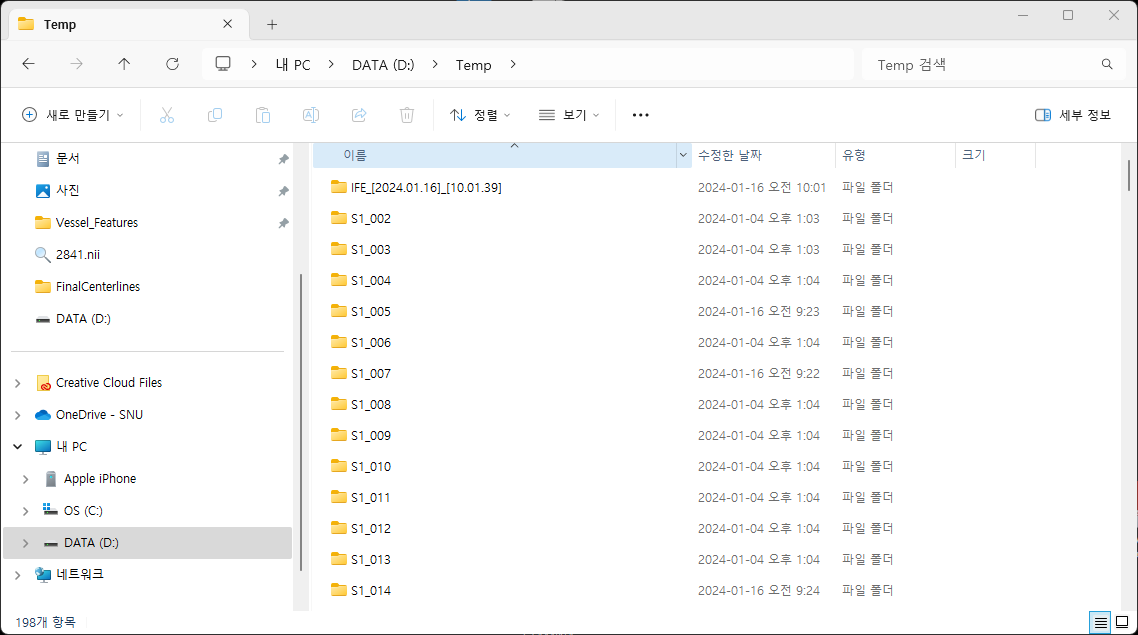
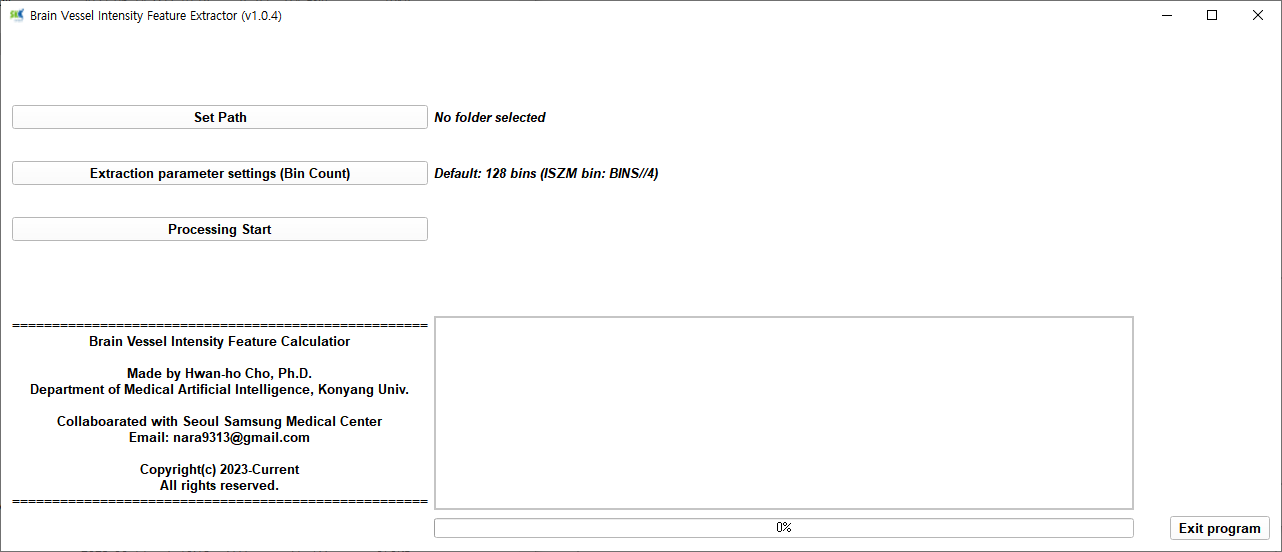
① The program recognizes a folder containing a gray scale nifti file and a vessel mask nifti file (same file name). Therefore, click the set path button to specify the parent folder of the folder with the two nifti files. At this time, if there is Korean in the directory, the program will not work.
② Leave the Extraction parameter settings button in the default state.
③ When you click the Processing start button, the status message window shows the progress. When intensity feature extraction is complete in all folders, the status window displays the message complete.
④ The result file stores one mat file, one Intensity Feature Excel file, and one Representative Slice picture file. The Intensity Feature file is a file with the Intensity feature information we use well.
3) Result